
Count every return.
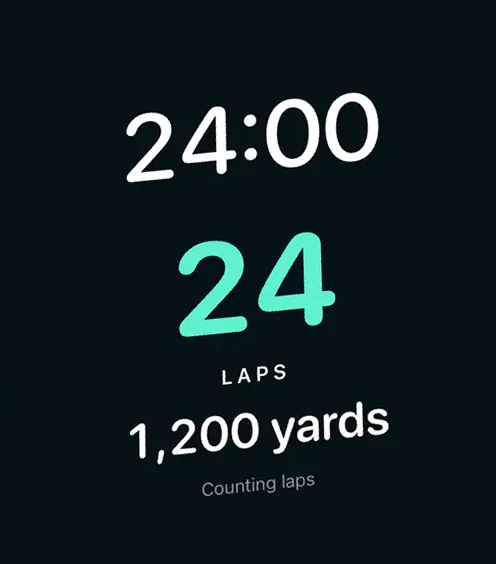
See elapsed time, laps, and distance together on the live swim screen.

Lappr
Camera-based swim lap counting
Lappr for iPhoneLeave the counting at the poolside. Lappr uses your iPhone camera to count laps while you swim.
Your phone stays on the deck. No wearable required.
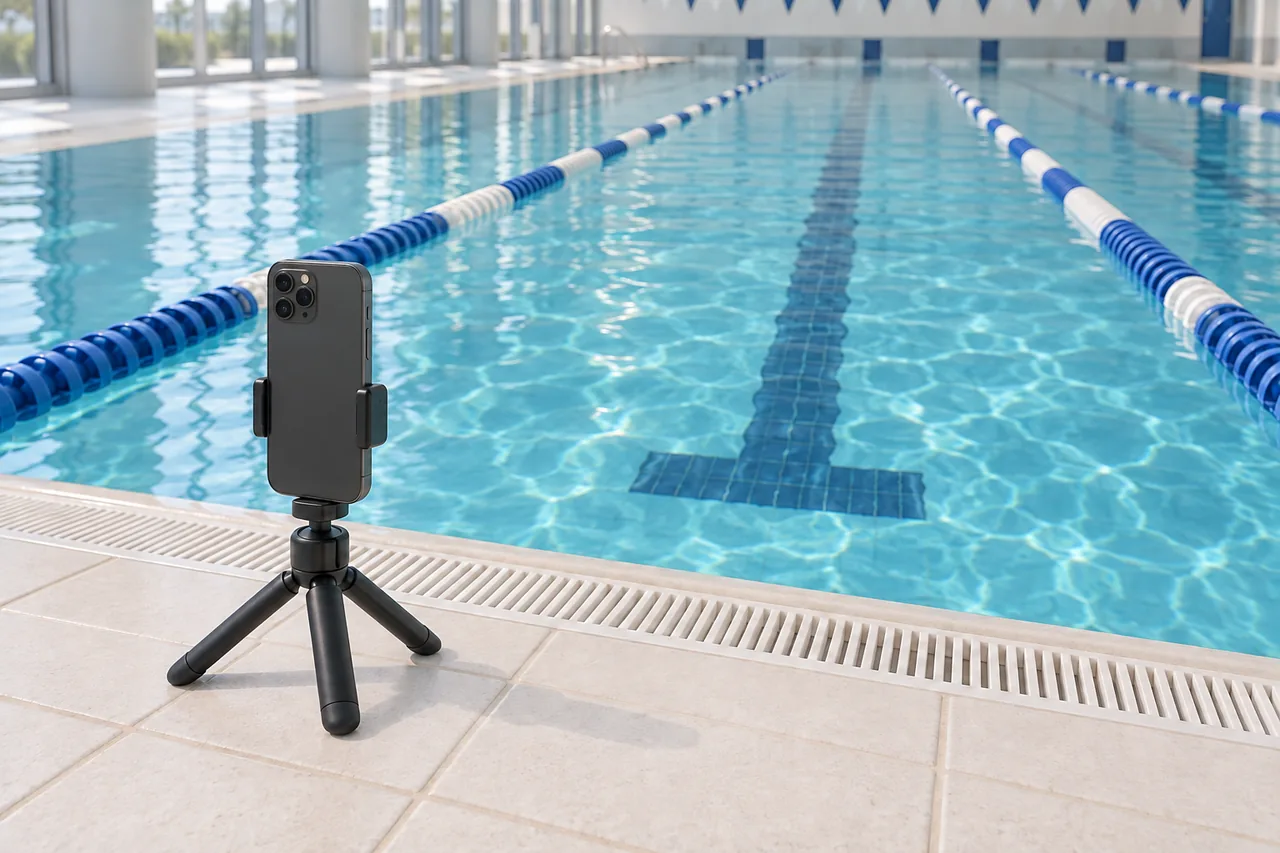
Set your iPhone at the end of the lane. Choose the pool length, then tap Ready. A five-second countdown gives you time to start.
The camera watches for your return. One lap is a round trip: two lengths of the pool.
Keep the phone stable with the screen and front camera facing your lane. Set the correct pool length before starting.
Normal lap counting processes camera images on your device. It does not send video to our servers. Read the camera privacy details.
Try Lappr
Three free workouts with the fully functioning app.
Choose a stable position at the end of your lane. Point the front camera toward the water.
Choose yards or meters. Tap Ready and use the five-second countdown to begin.
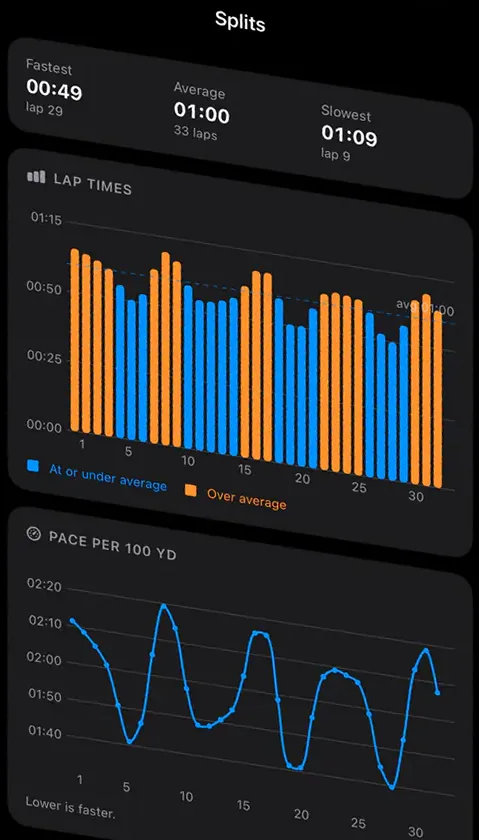
Check laps, distance, and splits afterward. Correct the workout if a return was missed or counted twice.
Optional diagnostic video is separate from normal counting. It stays on your device unless you choose to share it or send it to support.
See elapsed time, laps, and distance together on the live swim screen.
Choose a time or distance goal. Lappr shows how much remains as you swim.
Pause the workout when you stop. Resume when you are ready to swim again.
Finished swims stay in your workout history. Review each lap time and your pace to see how the workout unfolded.
Choose which workouts to send to Apple Health or Strava. You can also export a file.
Bring your iPhone. Leave the lap counting to Lappr.